🐢🐇0.6×
0.25×1×1.5×
Speed per wallpaper
Slow a wave to a drift. Each wallpaper remembers its own speed.
 LiveWall
Download
Looping 4K wallpapers behind your icons, a Dynamic Island for music and AI, and a free gallery to fill it. One quiet menu-bar app.
One video spans both displays as a single canvas.
Earth · Space · Calm · 4K HEVC
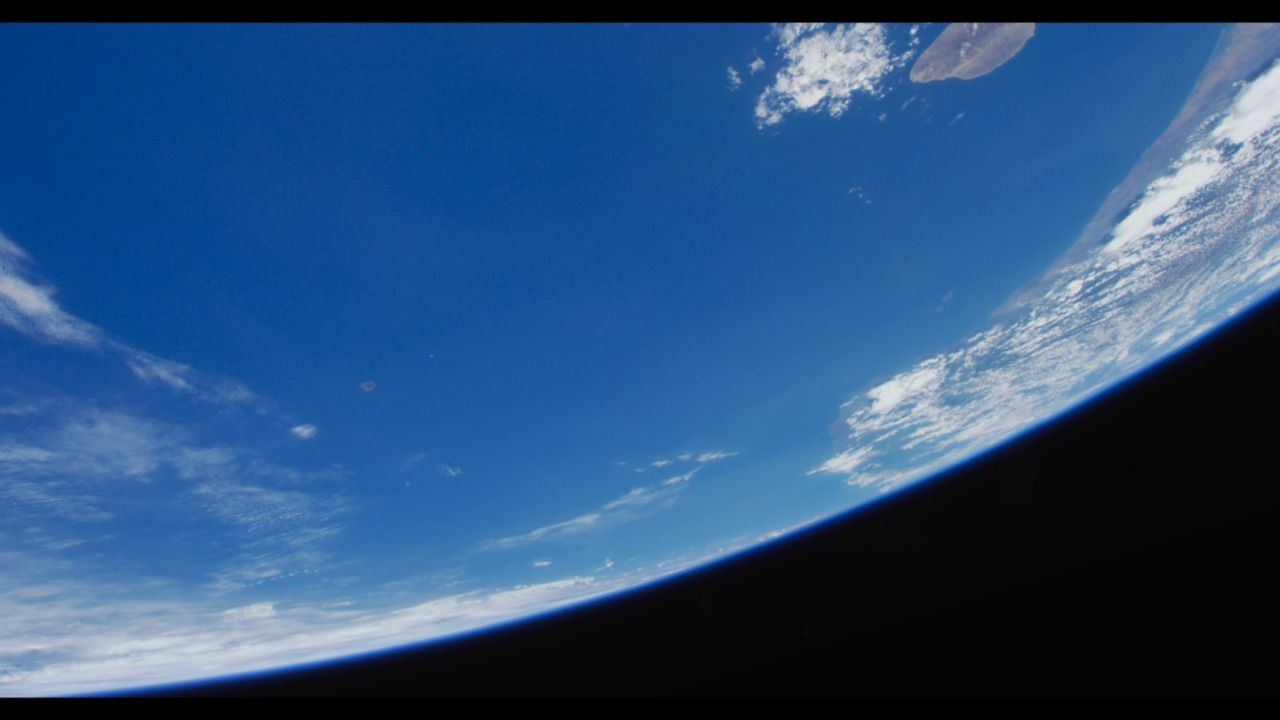
Blue Horizon
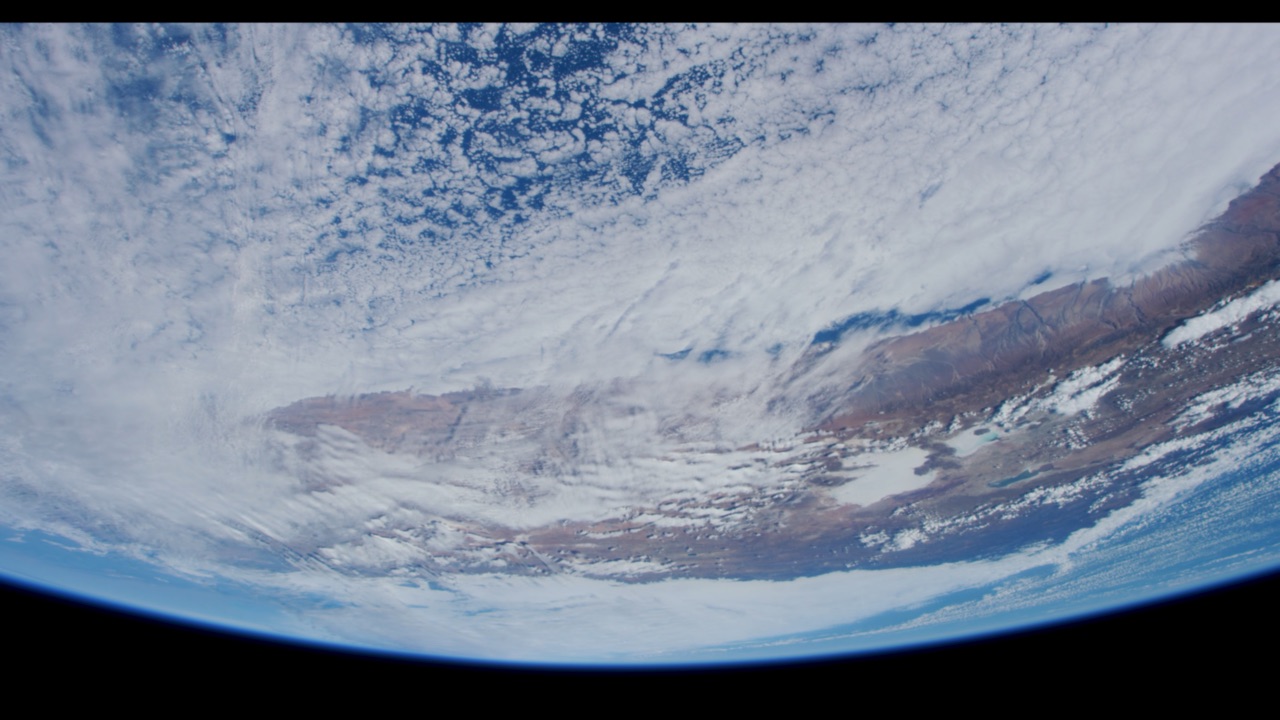
Snowy Ridge
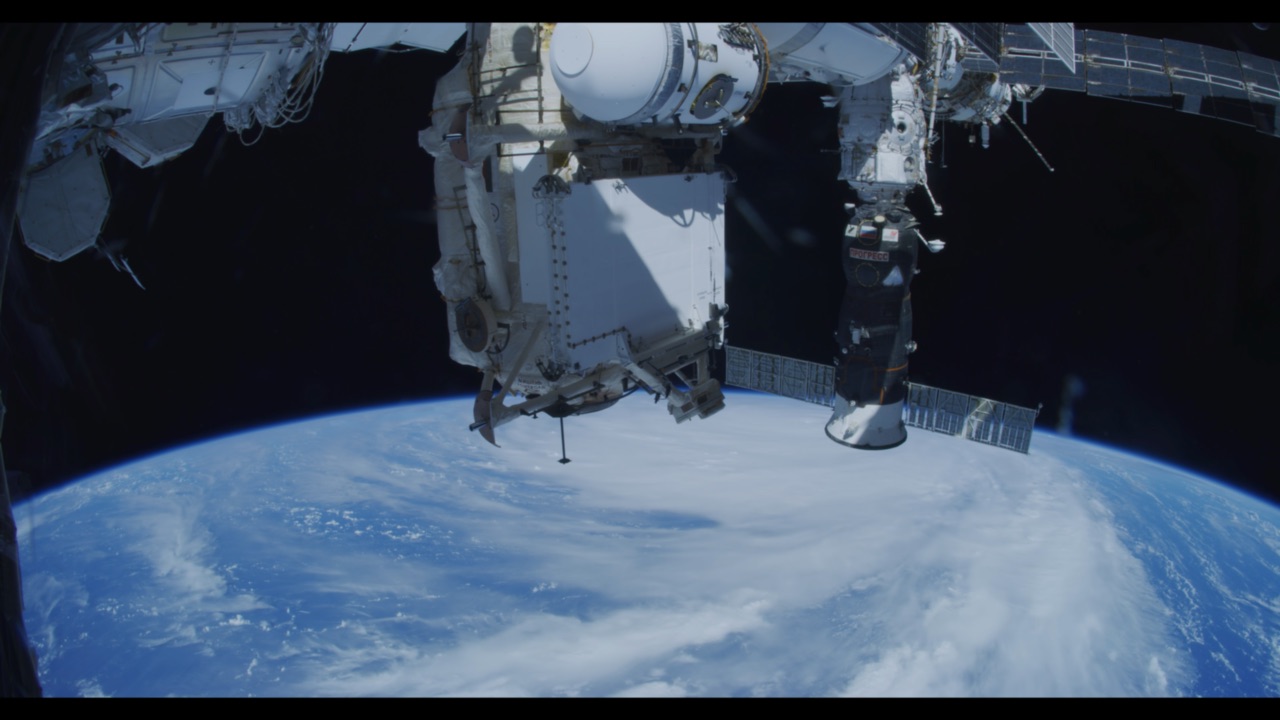
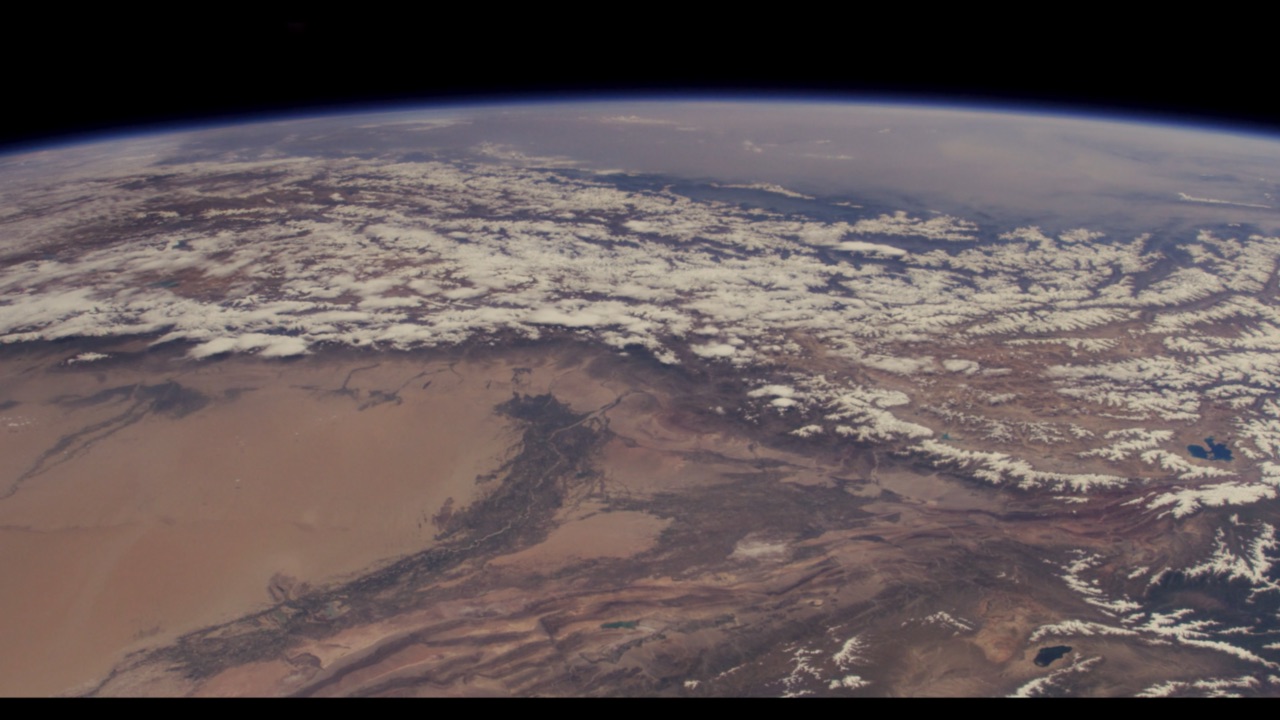
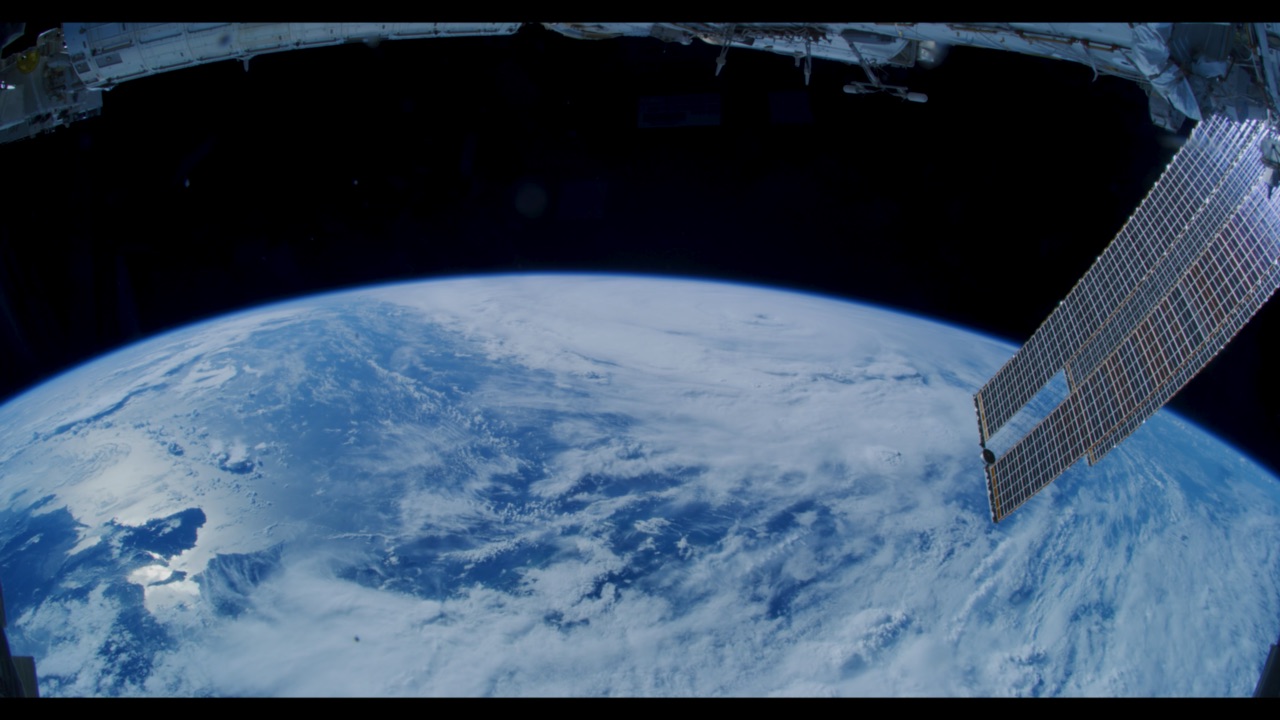
Station Over Storm
Your library, front and centre. Every wallpaper plays as you hover it. Click one and it fades onto your desktop, no restart, no black flash.
A Dynamic Island for your Mac. Music, Claude Code and ChatGPT, right at the notch.
It grows out of the MacBook notch, or sits at the top of an external display. When a song changes or an AI task finishes, it springs open for a moment. Hover it for controls, and click a finished task to jump straight back to its chat.
Plan limits
One canvas across every screen. Or a different wallpaper on each.
Displays showing the same video share one player, so they stay in sync and decode it once. Plug a monitor back in and its wallpaper comes back too.
Thoughtful in every detail. And light on your battery.
Each display pauses on its own when it's covered, and everything pauses in Low Power Mode or when your Mac gets hot. Hardware decoding keeps it around 2% CPU.
Slow a wave to a drift. Each wallpaper remembers its own speed.
A miniature of your real monitors shows exactly what each one does.
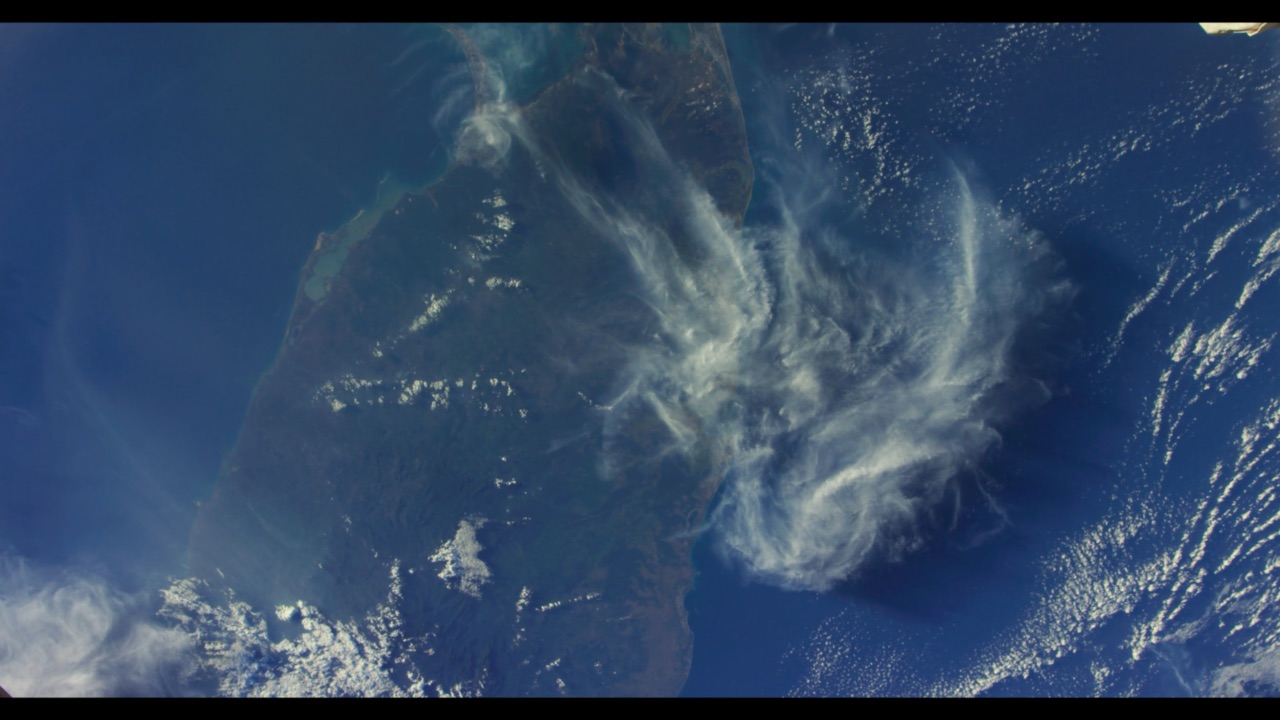
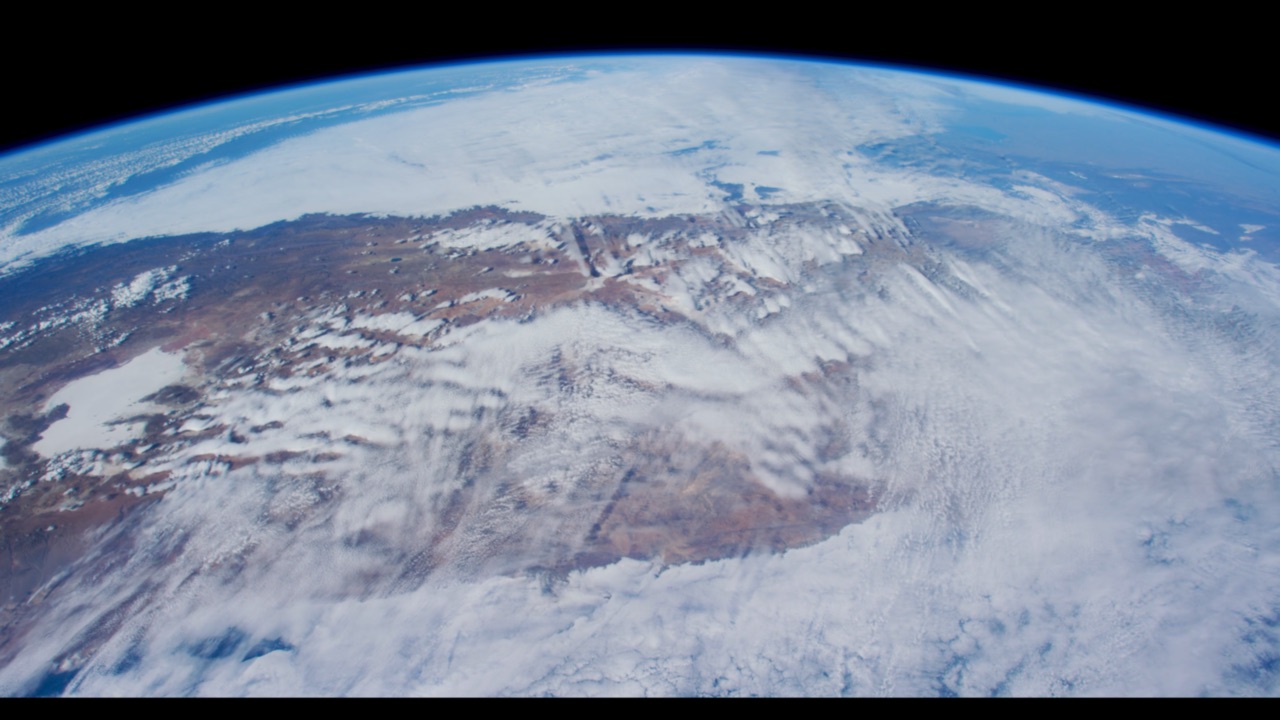
Tick wallpapers on the website and they download straight into the app.
No Dock icon. Pause, skip and change speed from the menu bar.
Any .mp4, .mov or .m4v in a folder. Your library never leaves your Mac.
Anything that can run a command can post to the Dynamic Island.
Set up in a minute. A welcome that feels like a new Mac.
The first time you open LiveWall, a full-screen welcome picks your first wallpaper with you. It starts playing behind the welcome as soon as you choose. Then it sets up the Dynamic Island, launch at login and power saving.
Welcome to a more personalised experience.
Let's begin
Free. Bring your desktop to life.