
Thanks for downloading LiveWall
Your download is starting…
Didn't start? Download again
LiveWall is for Mac
It needs macOS 26 (Tahoe) on an Apple silicon Mac (M1 or newer).
-
1LiveWall.dmg DownloadsOpen
Open the download
Click LiveWall.dmg in your browser's downloads, or find it in your Downloads folder.
-
2
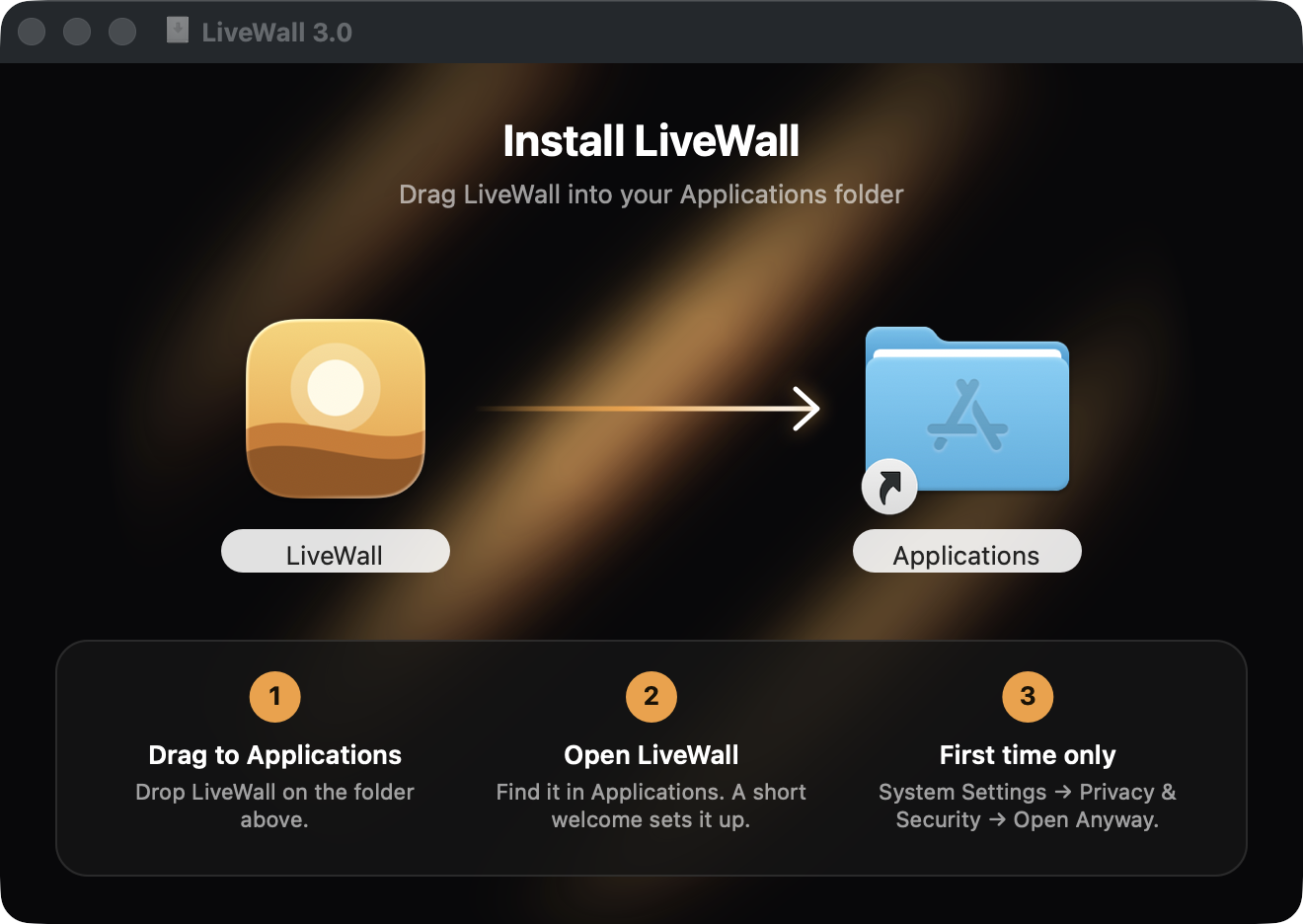
Drag to Applications
Drag the LiveWall icon onto the Applications folder, then open LiveWall from Applications.
-
3Privacy & Security"LiveWall" was blocked to protect your Mac. Open Anyway
Open Anyway, just once
macOS can't verify free apps without a paid Apple certificate. Click Done, open System Settings → Privacy & Security, and click Open Anyway.
You're all set
A short welcome helps you pick your first wallpaper. After that, LiveWall lives in your menu bar.